Features
Everything the household keeps track of.
Each part of Bob does one job, plainly. Everything you add, you type in yourself (or say out loud, where you see a microphone), and it shows up on everyone's devices.
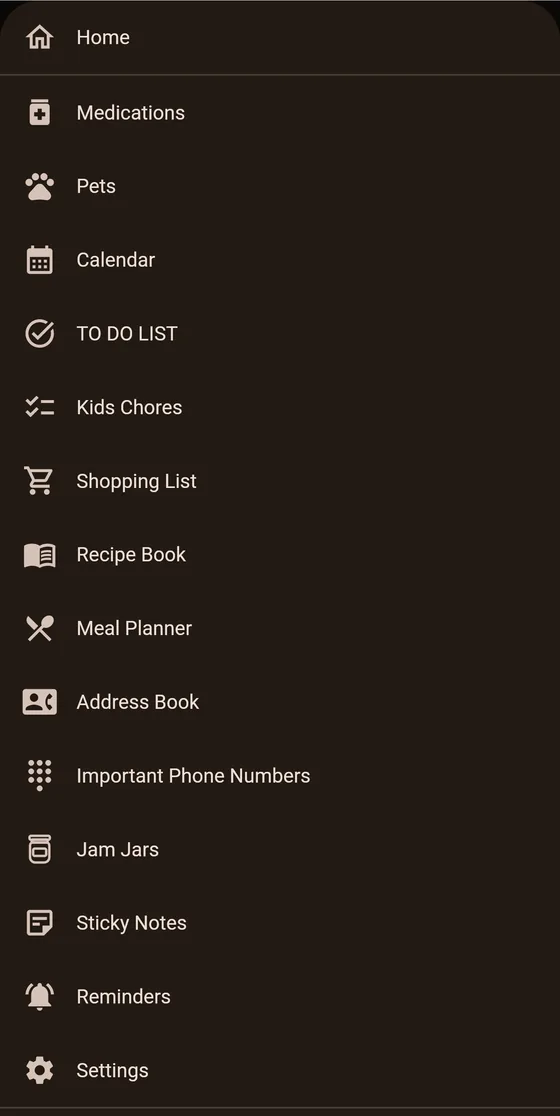
Household
Calendar
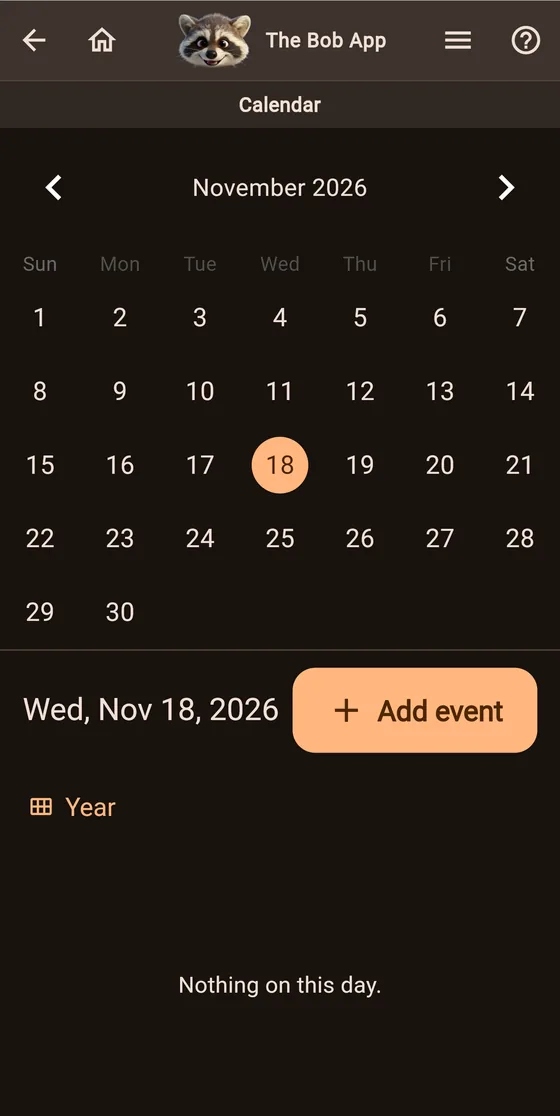
Kids' practices, doctor's appointments, school days off. Keep one family calendar or several. Everyone also gets a personal calendar, and children's birthdays go on automatically. Flip to the year view to plan ahead.
Kids see their own events and the family ones. They can look, but they can't change things.
To Do List
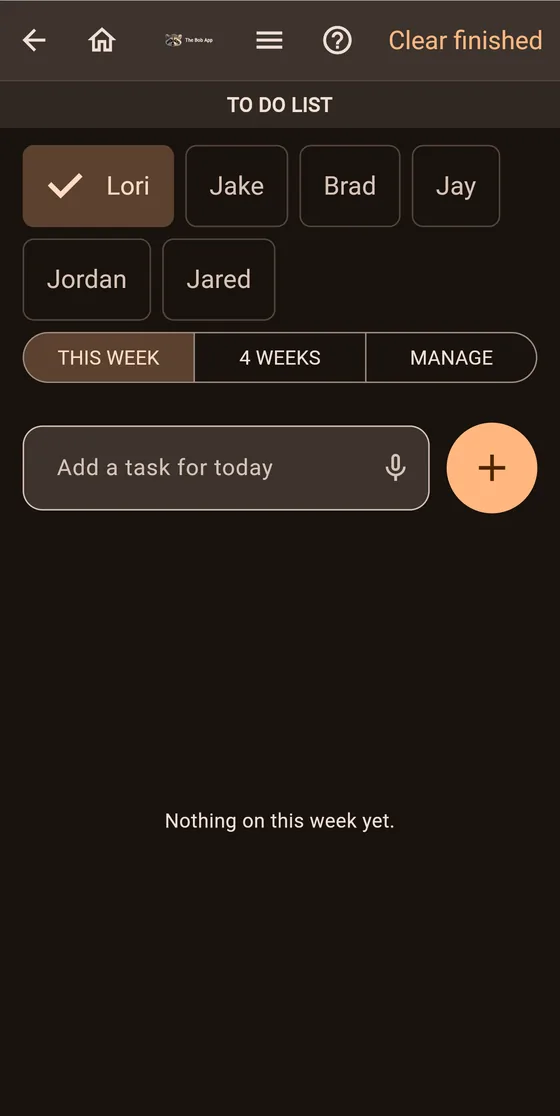
A task list for each grown-up. Type a task or say it, and look at this week or the next four. Tick things off and clear them when you're done.
Kids Chores
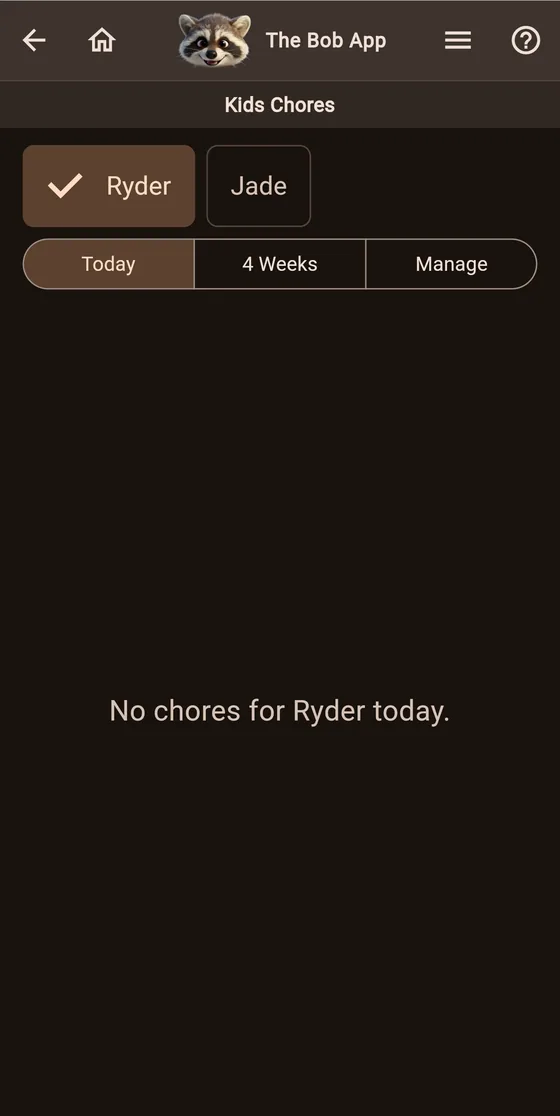
Give each child daily, weekly or one-time chores. They check them off on their own phone or tablet. You can mark a chore as checked if you want to. No points, no rewards, no streaks.
A grandparent or another trusted adult can be allowed to see the kids' chores too, without being able to change them.
Pets
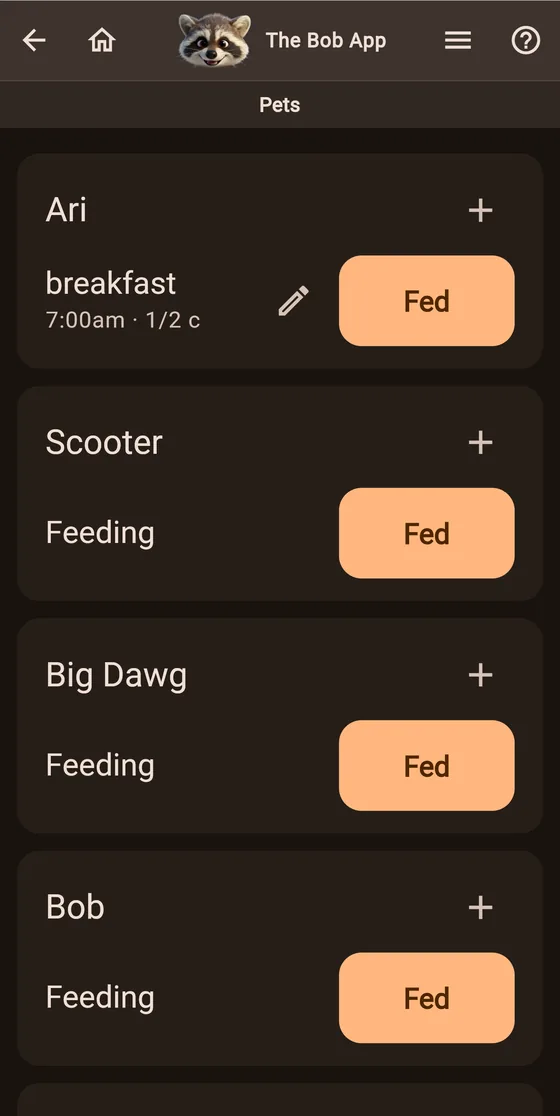
Set each pet's feeding times and amounts. Whoever feeds them taps Fed, and the rest of the house can see it's done. You decide who in the family sees the pets.
Food
Shopping lists
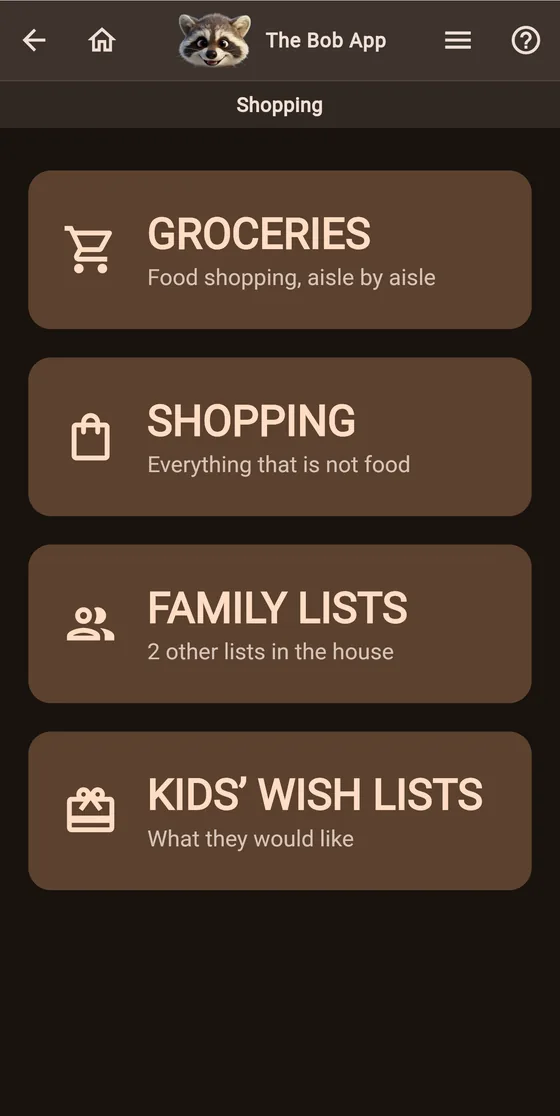
Groceries, aisle by aisle. A separate list for everything that isn't food. Lists for other people in the house, and kids' wish lists. Type items or say them, and hand a list to whoever is going to the store.
Recipe Book
Type a recipe in or paste it, and file it on a shelf: Beef, Chicken, Soups, Desserts, Grandma's Recipes, and more. You can add shelves of your own. Every grown-up in the house shares the same book.

Meal Planner
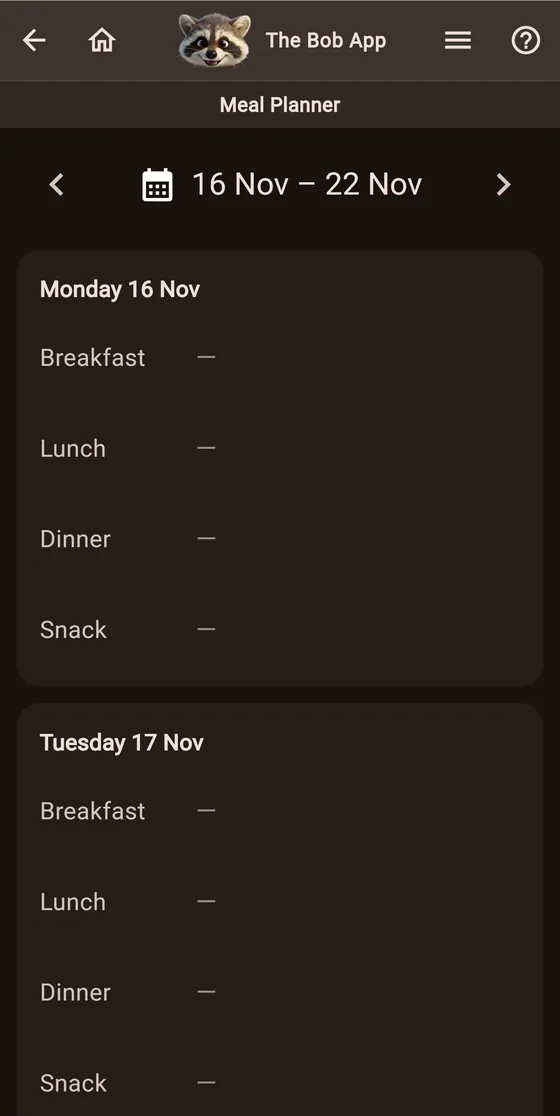
Breakfast, lunch, dinner and a snack for every day of the week, so nobody has to ask what's for dinner.
Jam Jars
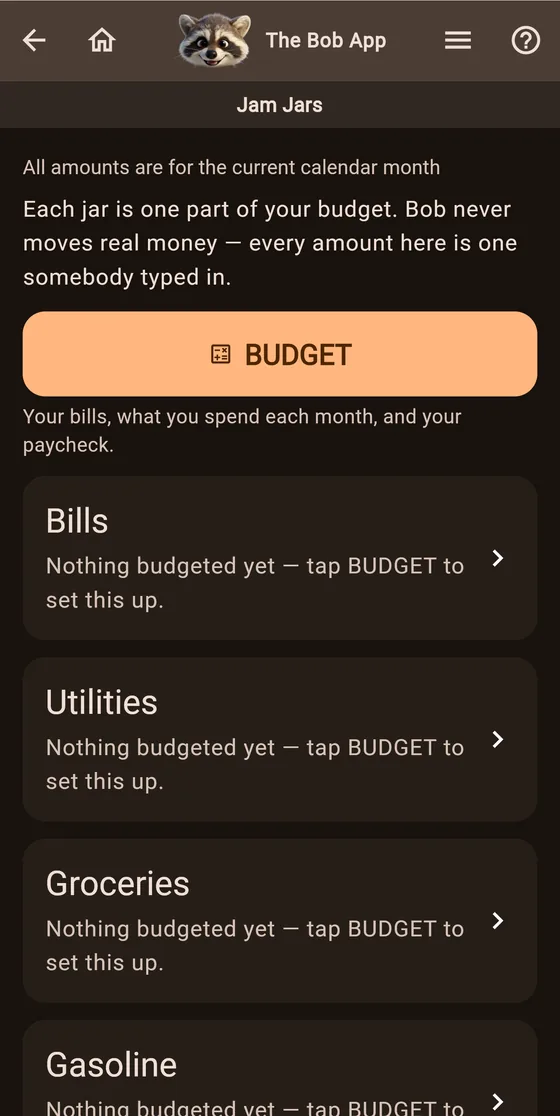
Remember putting money in jars? Jam Jars is the same idea. Grown-ups set a monthly budget and split it into jars for bills, utilities, groceries, gas and whatever else you need, then track what was actually paid.
Kids can have a jar too, if you switch it on. Allowance and birthday money go in, then get split into save, tithe and spend, with a savings goal and a progress bar.
Bob never touches real money and never connects to a bank. Every number is one you type in yourself.
Keeping in touch at home
Sticky Notes
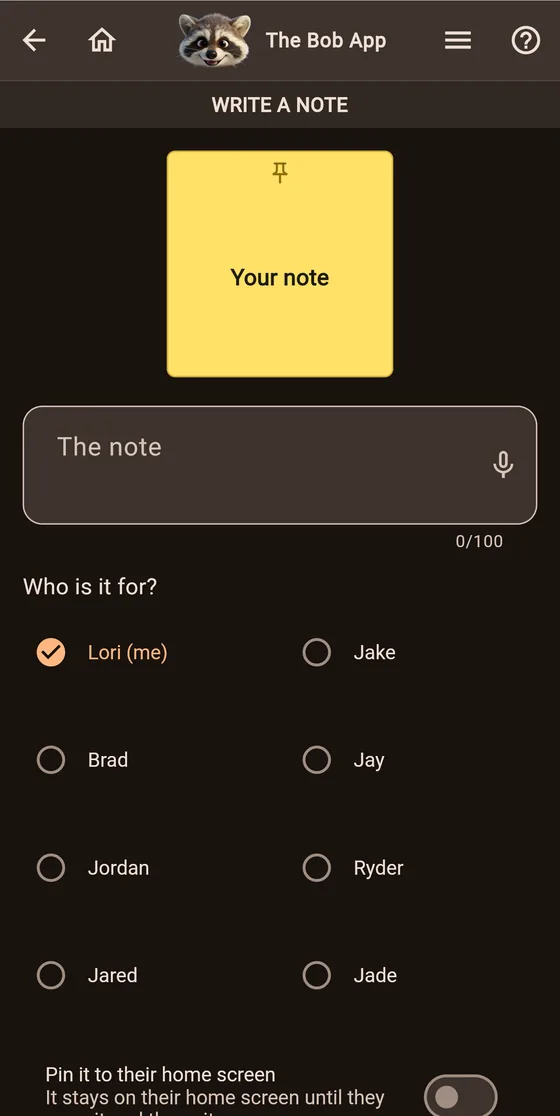
The note on the fridge, but on everyone's phone. Write a short note to someone in the family, typed or spoken. A grown-up can pin a note right to a child's home screen, so it's the first thing they see.
Reminders
Daily, weekly or monthly reminders: take out the trash on Tuesdays, pay the water bill on the 15th. They pop up on your lock screen with Bob's face. Parents set up the kids' reminders.

Address Book and Important Phone Numbers
The doctor, the dentist, the school, the vet, grandma. Everyone has their own address book, kids included, plus up to five important numbers at the top. Tap to call.

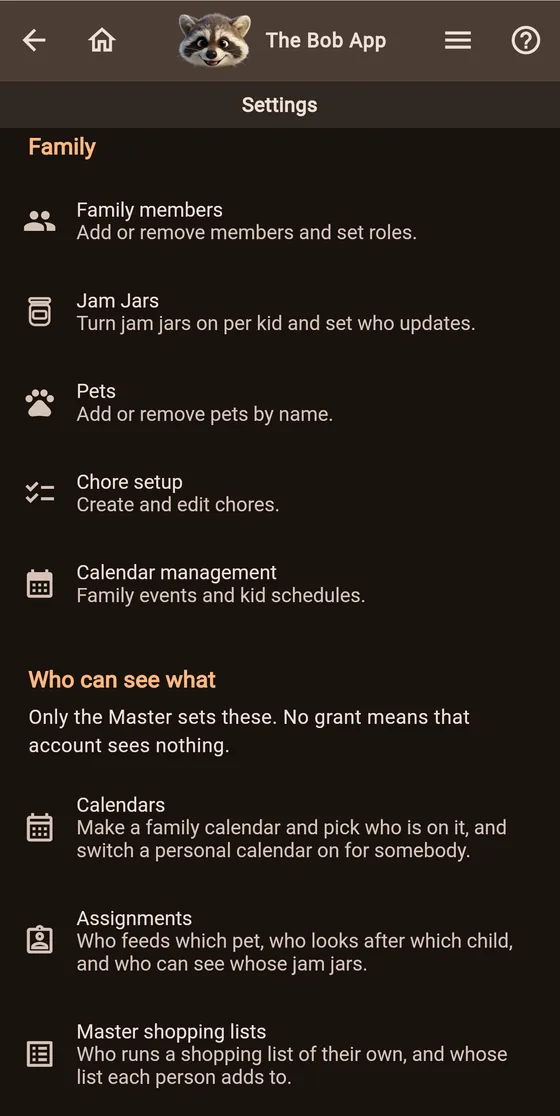
You decide who sees what
The household account holder adds family members, pets, chores and calendars, and decides who can see which calendars, lists and kids. Another trusted grown-up can be made an assistant to help run things.
Light or dark, or match the device. Bob works offline and catches up when you're back online.